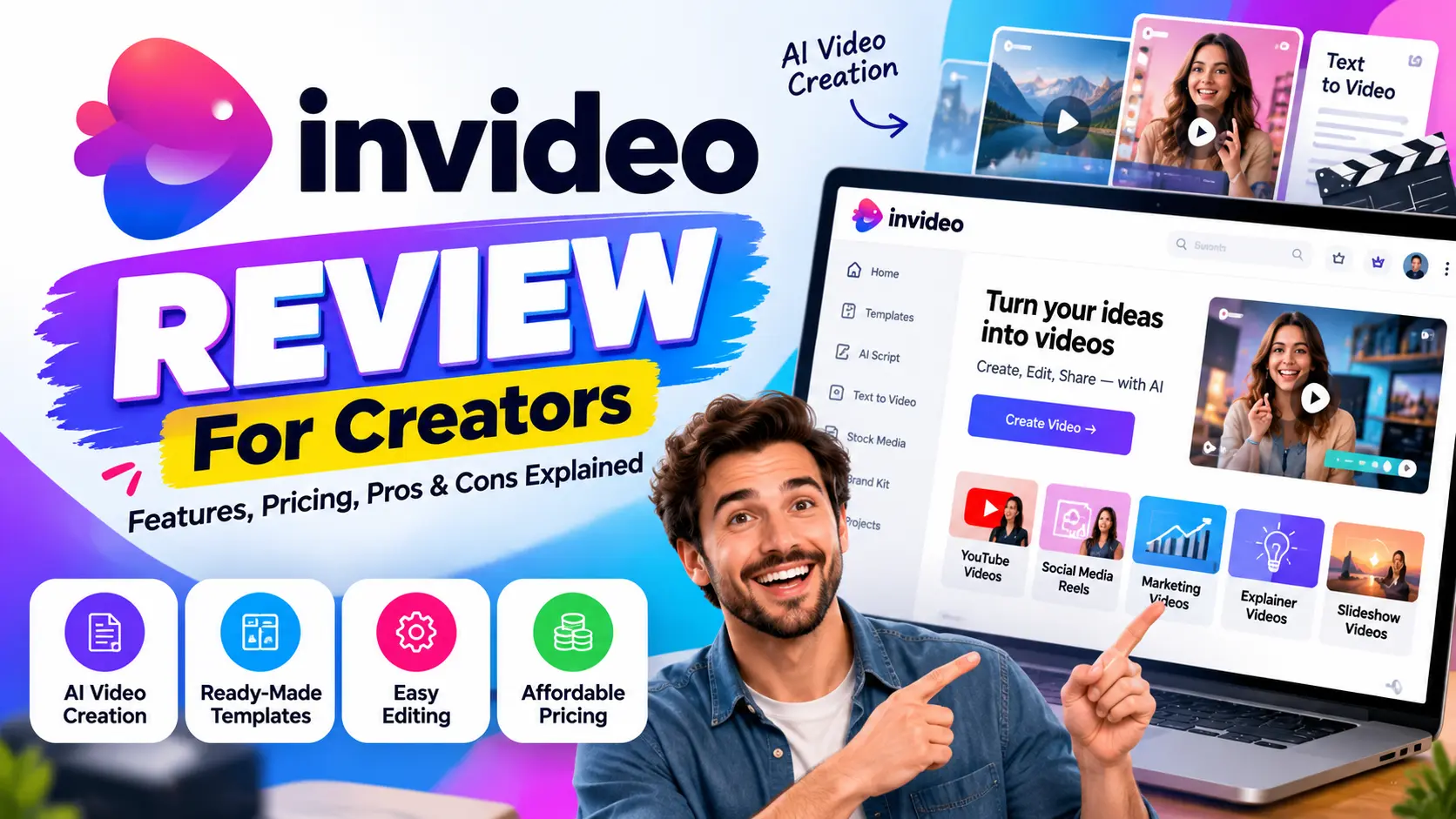
InVideo Review: In today’s time, video has become the easiest way to reach out to potential audiences. If you like to build your brand and gain authority throughout social media, then video would be the best medium. So, the craze of online video editing tools has increased as well.
If you’re not a technical person but want professional-looking videos, then InVideo will be the best choice for you. This software can help you by generating your desirable video at the minimum price. This editor tool is designed to help beginners, marketers, and professionals who are looking to create qualitative videos.
It’s a cloud-based video editing solution that allows you to drag and drop. This system comes with customizable templates, Ai AI-assisted text-to-video feature. If you’re a small business owner and looking to start your digital journey, then using this system.
Through this InVideo Review, we’ll provide you with a detailed idea of this software, including the features, pricing, pros and cons, with many other technical things. You need to go through this article until the end to know it in detail.
What is InVideo?
InVideo Studio is one of the best AI-based video editing platforms. It simplifies the editing for all the marketers, educators, and business owners. This system is launched to ease the professional video editing environment.
It comes with user-friendly and simple drag-and-drop technical features. If you like to have quick transformation, transitions with make the vlogs engaging with technical power, then using this software will make it easy.
InVideo is a browser-based software, so you don’t need to download any application on your PC. It comes with multiple features, along with video editing like voice-over, brand kit, and different export options. So, this would be the ultimate destination for you if you like to create professional-level content for Instagram.
InVideo Review: Specific Features of InVideo Software
In recent days, InVideo has gained a huge reputation in the editing space due to its simplicity and effective editing capabilities. It comes with multiple standout points that will definitely help you to get some productive videos.
#1. AI-Based Video Creation
InVideo comes with a text-to-video tool. All you need to do is paste the script into the system, and it’ll automatically work for you by creating impressive content. It’s a useful feature for marketers, YouTubers, and educators. If you like to create effective content pretty quickly, then no other tool could be better than this InVideo editor.
The AI-Voice over and text-to-speech feature ensures you get all the qualitative and engaging video content with a single click. All the videos will be polished without having recording instruments.
#2. Biggest Template Library
InVideo Studio comes with an extensive number of templates. After having a premium subscription, you’ll get instant access to 5000+ templates. This thing will make your work pretty easy for you. All the templates are categorised according to niches.
If you have zero knowledge of editing, then you can also create your first reel or video within 5 minutes with these templates. By using these templates, you can create promotional videos, reels, YouTube intros, and eye-catching presentations.
#3. Editing Tools and Customisation
InVideo AI Editor allows access to a ton of editing options. It comes with multiple transitions, overlays, stickers, and text effects. If you like to trim, add multiple layers, adjust the timing, and create subtitles automatically, then no other tool can beat InVideo.
It’s a fact that InVideo can’t match the depth of professional video editing tools like Adobe Premiere. But it can definitely create a social media-ready video with a click. If you are in the scratch phase of your online journey without deep editing expertise, then surely try this AI software.
#4. Stock Media and Photos
One of the biggest advantages of using InVideo is having access to a huge source of royalty-free images and videos. You’ll get millions of images, background themes, videos, and transition effects with this software for free.
These things help your video to be unique compared to competitors. These things will eliminate the external costs. So, try this AI-based tool once on your system and explore the qualitative technical appearance.
#5. Team Collaboration and Branding
The Brand Kit feature is pretty unique in InVideo AI Editor. If you’re running a business or agency, then you can definitely use this software for team collaboration. This thing allows you to upload the same logos, colours, font, and brand colours to ensure the consistency of your content.
In case you like to add your team to work together, then also this Brand Kit tool delivers the best ever experience. Multiple content agencies and marketing teams are using this technical system to get the best-ever working outcome. These technical elements make it unique for regular users.
#6. InVideo Review: Export and Built-in Sharing Option
InVideo AI Editor comes with multiple sharing ratios, including 9:16 (vertical), 16:9 (landscape), and 1:1 (square). These things are quite perfect for reels, YouTube videos, and TikTok short videos. It’s pretty easy to download these videos with a single click in HD or UHD picture quality.
This AI-based video editor also allows you to share the videos directly. You can simply click the share button and select the social media you want to share that content. And, within a single click, you can directly share that video on that platform.
It’s a very time-saving feature. That’s why small business and Startup owners are using InVideo to create content smoothly.
#7. Fastest, Smoothest, and Hassle-Free
InVideo is one of the fastest and smoothest tools among all the AI-editing tools. You can simply do all the things pretty faster, just bring the video and all the transitions will be suggested automatically. This browser-based system ensures you get hassle-free services.
One can buy this service by paying a small amount of money. In case you face any technical issues, just call or message the customer care executive, and your problem will be solved for free.
InVideo Review: Who Should Use InVideo?
InVideo is designed to serve a wide range of users, from freelancers to corporate houses. All the powerful features of this system make it impactful while using it. In this part, we’ll discuss who should use this AI software for quality results.
- YouTubers and Content Creators: If you’re a YouTuber or Content creator, then InVideo would be the perfect choice for you. It’s pretty easy to create intros, reels, tutorials and many other things with a single click. The text-to-video feature makes it quite efficient while creating hassle-free video content.
- Marketers and Social Media Managers: InVideo would be the best choice for businesses which are relying on video content. By using this cloud-based system, one can create eye-catching reels, promos, and impactful brand stories.
- Startup and Small Business Owners: If you’ve a Startup or small business and like to promote it throughout social media, then using InVideo to create short video content would be pretty time-saving for you.
- Social Media Agencies: With brand kits and collaboration tools, InVideo allows you to work together.
In short, this AI-based editing tool is pretty cost-effective, time-saving and user-friendly. If you’re not a technical guy, then you can also use this software.
What are the Pros and Cons of InVideo?
Although InVideo is one of the smartest video editing tools but it comes with multiple pros and cons.
InVideo Review: Pros
- Huge Template Library: With the premium subscription of InVideo, one can explore 5000 free templates to create short-format video content.
- AI-Powered Tools: Automated caption, voice over, and text-to-video converter make this tool impressive.
- Extensive Stock Media Collection: InVideo Studio allows you to access an extensive collection of media with a premium subscription.
- Simple Interface: This system has a simple interface with a drag-and-drop technical feature, which will ensure a desirable technical experience.
- Collaboration tool: If you like to work with your time with the brand kit activation, then also use this web-based software.
- Quality Export: It comes with multi-platform output and supports various aspects, including (16:9, 1:1, 9:16). These are perfect for YouTube, Instagram, TikTok and others.
Cons
- Web-based System: This software is web-based, which is why you need a stable internet connectivity while using it.
- Limited Advance Editing: It’s not a suitable software for a professional filmmaker.
- Watermark: If you’re using a free plan, then you have to face a watermark on the videos.
Also Read: Pictory.ai Review: Create Videos in Minutes Without Editing Skills
InVideo Review: Comparison with Other Video Editors
In this part, we’ll evaluate this editor by comparing it with its competitors.
#1. InVideo vs. VEED.io
- Veed is well known for screen recording, auto captioning and adding subtitles to videos.
- InVideo comes with an extensive stock of templates, images and text-to-video conversion. So, it’s good for social media marketers.
#2. InVideo vs. Canva
- Primarily, Canva is a professional graphics design tool. But, it’s good for creating quality social media content, including short videos, reels, YouTube videos and many more.
- In contrast, InVideo comes with video-specific technicalities, AI Tools and customisation options.
#3. InVideo AI Editor vs. Cap Cut
- Cap cut is backed by TikTok, which is capable of creating short-form content with multiple trendy effects and filters.
- InVideo Studio is reputed for professional and business-friendly content with multiple brand kits and collaborative tools.
#4. InVideo vs. Pictory: InVideo Review
- Pictory is capable of extracting content from long-form videos. If you like to create impactful shorts from podcasts or long YouTube videos, then use this specific software.
- At against, InVideo allows for having creative freedom with design, branding and multi-purpose technical things.
InVideo Pricing & Plans
In this InVideo review article, we’ll share the price and plans of this software. We’ll provide an in-depth guide on this thing from the free plan to the premium packages.
-
Free plan
- Price: $0/Month
- It comes with 10 GB of storage, 4 exports per week and 10 minutes to generate AI videos. You can have access to 2.5 million of media content, including stock images, templates and many more.
-
Business Plan:
- Price: $25/Month (Bill annually to get an impactful discount)
- Get 100 GB of storage and 80 export in a month. With this plan, one can also get watermark-free videos and up to 2 voice clones.
-
Max Plan:
- Price: $48-$60/Month (Get a huge discount with an annual subscription)
- Get access to $400 GB of storage, 200 minutes of AI video generation and 5 voice clones.
If you’re a beginner and looking to try this tool, then go with the free plan. In case you’d like to upscale your editing journey, then use InVideo’s premium plans.
FAQs on InVideo Review
#1. Can I Use InVideo without any Prior Technical Editing Expertise?
=>Surely, you can use InVideo without any prior technical experience. It’s an AI-powered and web-based tool which will help you create effective content.
#2. Is InVideo Free to Use?
=> Yes, InVideo is free with limited features. If you’re a beginner, then you should use this premium plan. Otherwise, go with a premium subscription to get a professional level of editing.
#3. What Genre and Type of video can we create?
=> By using InVideo, you can create professional videos, marketing ads, reels, YouTube intros and many more things.
#4. Can I Operate InVideo AI Editor on my Mobile Phone?
=> Indeed, this is a web-based software, so you can simply use it through your mobile. All the editing elements and templates are clearly accessible through your phone.
#5. Is InVideo Better than Cap Cut?
=> Both are good from their places. We have discussed it in detailed in the Comparison section.
Closing Verdict on InVideo Review
There is no doubt about the working efficiency and handy features of InVideo. This is a Cloud-powered and web-based editing platform with a lot of technical things. If you’re a non-technical guy and looking to create content for your social media campaign and others, then use this tool.
Through this InVideo Review, we have provided you with a detailed idea of this software. If you have a little bit of budget, then you should go with a premium subscription. Otherwise, use the free trial of the premium feature (Without a credit card).
Still, if you have doubts and queries about this software, then reach us via the comment box. Thanks for staying with us until the end.